


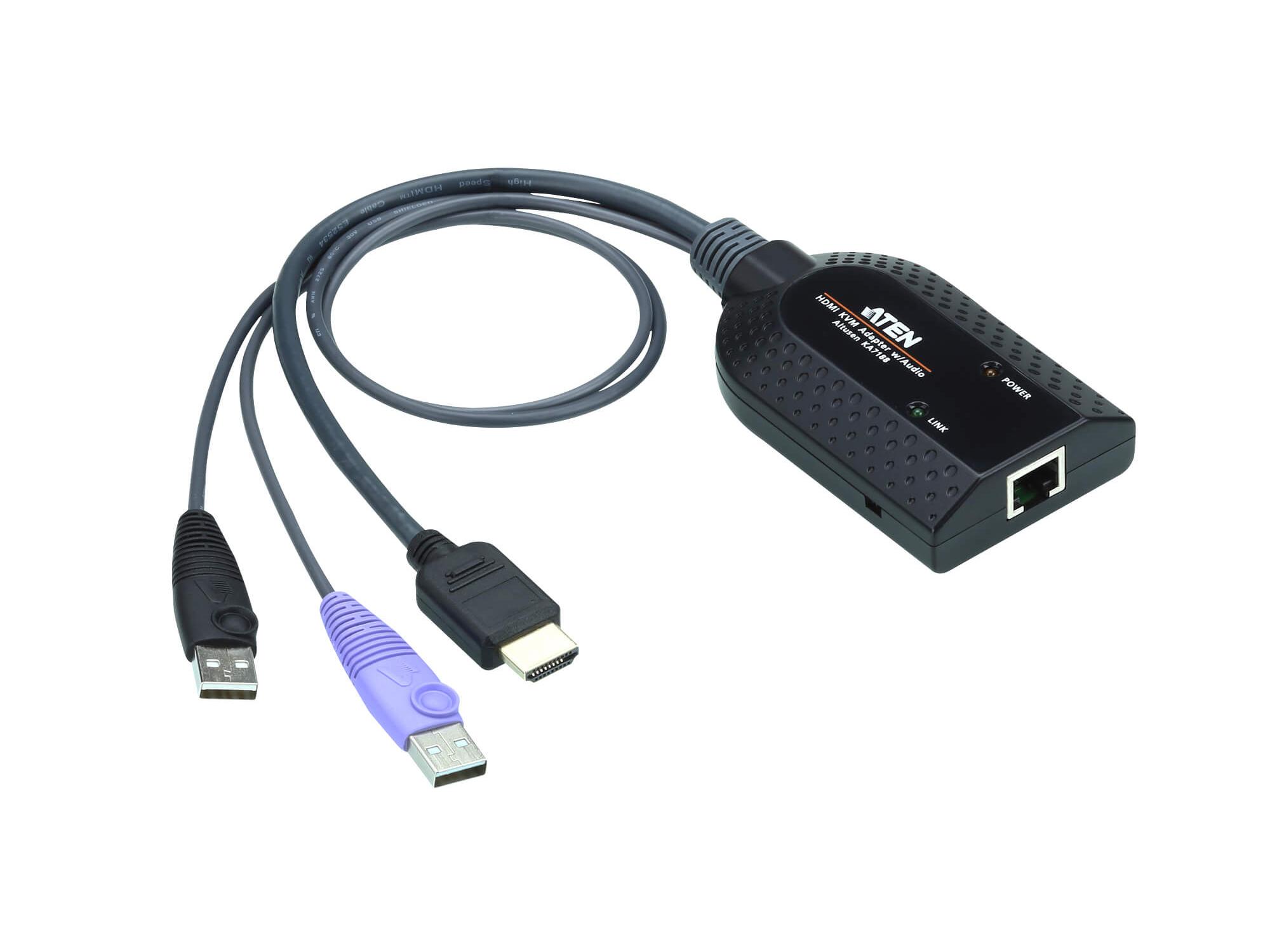

Description
The KA7188 is a compact USB HDMI KVM adapter cable designed to link a KVM switch to a target computer. It provides HDMI video connectivity together with dual USB Type-A connections to support keyboard and mouse emulation. The adapter also supports Virtual Media and Smart Card/CAC reader functions when used with compatible KVM switches.
Key features include Audio De-Embedder functionality which extracts audio from the HDMI stream and Auto Signal Compensation (ASC) which optimizes video quality without manual DIP switch adjustments. The unit uses an integrated ASIC for improved reliability and broad compatibility. Firmware upgradeability allows ongoing maintenance and feature updates.
Performance supports video resolutions up to 1920 x 1200 (Reduced blanking), with advanced signal compensation and delay skew correction for enhanced image stability. The adapter is lightweight and compact, making it easy to route and manage in dense server or rack environments. LED indicators provide link and power status at a glance.
Connectivity comprises one HDMI male connector and two USB Type-A male connectors for the target computer, plus an RJ-45 link connector to the KVM switch. Both USB plugs must be connected to the host to ensure sufficient power for all functions. Consult the KVM Adapter Cable Compatibility List for supported KVM switch models and Virtual Media compatibility.
Typical applications include server rooms and control environments where remote KVM access is required – the KA7188 supports keyboard/mouse emulation when a server is moved or disconnected from a KVM port. It is also suitable for environments that require local HDMI audio extraction for routing to audio systems. The small form factor simplifies deployment in constrained spaces and mixed-hardware racks.
Installation is straightforward with plug-and-play operation for basic KVM functions and straightforward firmware updates for advanced features. The plastic housing and integrated ASIC contribute to a durable, reliable design suitable for continuous use. Comprehensive technical compatibility depends on the connected KVM switch and documented compatibility lists.