


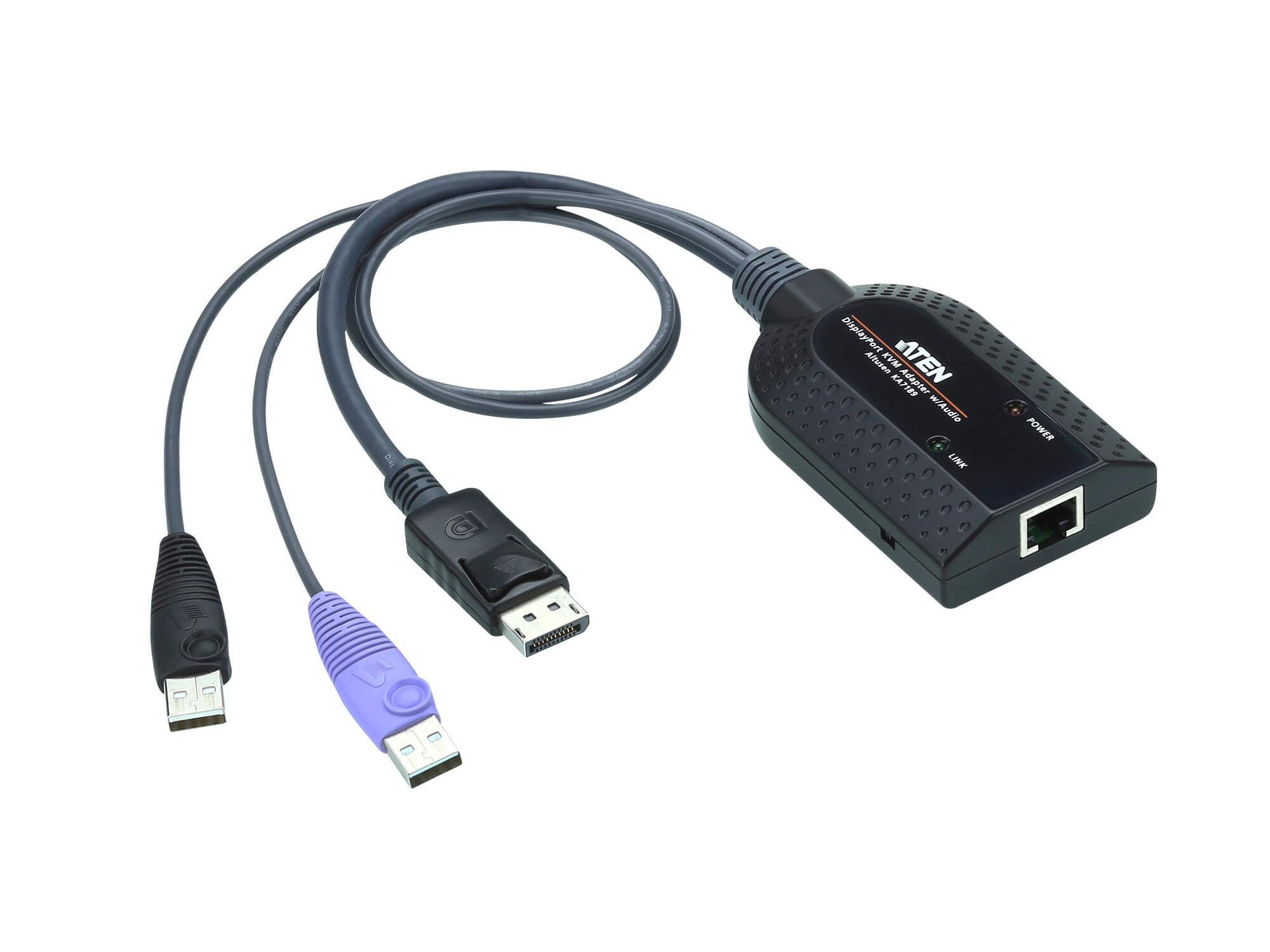

Description
The KA7189 is a DisplayPort KVM adapter cable designed to connect a KVM switch to a target computer. It provides DisplayPort video output and dual USB Type-A plugs to support keyboard/mouse emulation and host-side USB functions. The adapter is compact and intended for rack and server environments where space and reliable connectivity matter.
Key features include Virtual Media support, Smart Card/CAC reader support and an Audio De-Embedder that extracts audio from the DisplayPort signal. The unit uses Auto Signal Compensation (ASC) to optimize video across varying cable distances without manual DIP switch adjustments. A built-in ASIC and firmware upgrade capability provide reliability and future compatibility improvements.
In technical terms the KA7189 supports DisplayPort video and can deliver resolutions up to 1920 x 1200 using reduced blanking, subject to transmission distance constraints. The adapter implements keyboard and mouse emulation to keep attached servers responsive when disconnected or moved between KVM ports. Audio extraction, signal delay skew compensation and superior signal compensation technologies improve perceived video and audio quality in typical deployments.
Connectivity includes one RJ-45 female link connector for connection to an Aten KVM switch, one DisplayPort male plug for video and two USB Type-A male plugs for data and power. Both USB plugs must be connected to the target computer to provide sufficient power for full functionality, including Virtual Media and Smart Card/CAC Reader support. Please consult the KVM Adapter Cable Compatibility List for supported switches.
Typical applications include secure server rooms, data centers and control stations where remote access and virtual media are required. The KA7189 supports common workflows such as remote OS installation via Virtual Media and smart card authentication through the switch. Its small footprint and simple cabling make it suitable for dense rack deployments and mixed-hardware environments.
Installation is straightforward – plug the DisplayPort and both USB connectors into the target computer and connect the RJ-45 to the KVM switch link port. The adapter requires no DIP switch configuration thanks to ASC and supports firmware updates for maintenance or feature additions. The plastic housing and compact dimensions make the adapter easy to route and stow while maintaining dependable operation.