Most people do not realize they need seamless switching until the moment they suddenly do. It is the kind of feature that lives quietly in the background of a well-designed AV system — until a black screen during a CEO’s keynote, a flickering wall of monitors at a live event, or a half-second sync stutter in a 911 dispatch center turns it into the most important component in the room.
The good news is that the technology behind it is not complicated. The harder part is recognizing when a project actually needs it, and when “regular” switching is going to leave you exposed.
The Simple Definition
A seamless switcher does exactly what its name suggests. It keeps your screen live while switching sources. There is no blackout, no resync delay, no flash of “no signal” graphics. The image on the display changes from one source to another with no visible interruption — sometimes with a clean cut, sometimes with a built-in transition like a fade or wipe.
That is the whole concept. The complexity sits underneath, in how the switcher manages frame buffering, scaling, and timing alignment between two completely different signal sources.
What Happens Without It
Standard HDMI switching is a brute force handoff. The switcher cuts the connection from Source A, the display loses signal, the new source is connected, the display has to renegotiate the EDID and HDCP handshake, and only then does the picture come back. That whole process can take anywhere from one to several seconds depending on the equipment involved.
For a presentation in a conference room with no audience, that is an annoyance. For a live broadcast, a house of worship service, or a stadium video board, it is a failure. The audience sees the system fail. The presenter loses their flow. The on-screen talent is suddenly looking at a black wall instead of their cue.
Worse, the issue compounds when sources have different resolutions or refresh rates. A switch from a 1080p60 laptop to a 4K60 media player can introduce a longer renegotiation window, and on some displays it triggers a full input-mode change with its own onscreen animation. Every one of those seconds is visible.
The Three Places It Matters Most

Live events. This is the most obvious case. When a switcher is feeding an LED wall, an IMAG screen, or a streaming encoder during a concert, conference keynote, or sports broadcast, every blackout is visible to thousands of people at once. Companies like Atlona, Extron, and AVPro Edge all build dedicated seamless presentation switchers for this environment, with multi-window support and frame-locked outputs to keep video walls in perfect sync.

Corporate presentations. A mid-meeting handoff between a presenter’s laptop, a video roll-in, and a remote video conference participant is the moment most boardroom AV systems fail. Seamless switching protects the credibility of the event. Matrix switchers and presentation systems from manufacturers like Crestron, Kramer, and AVPro Edge include scaling and frame-buffering on every input so that any source can hit the screen instantly, regardless of its native resolution. A representative example available through BZB Express is the BZBGEAR BG-4K-VP88, an 8×8 4K seamless HDMI matrix switcher with built-in scaling on every input and additional video wall and multiviewer modes for rooms that need flexibility from a single chassis.
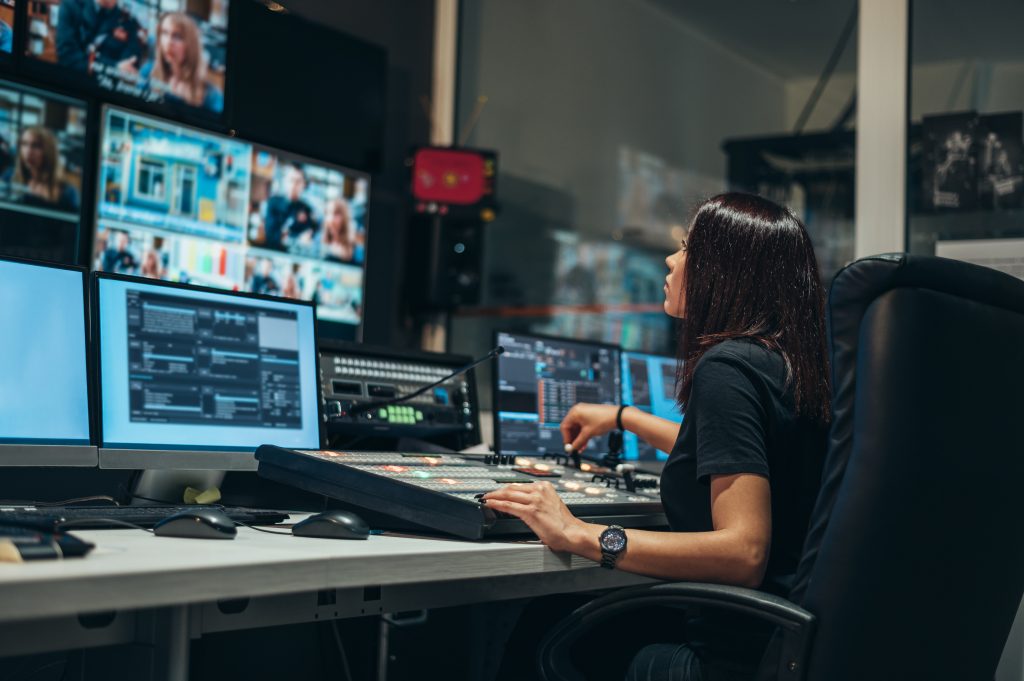
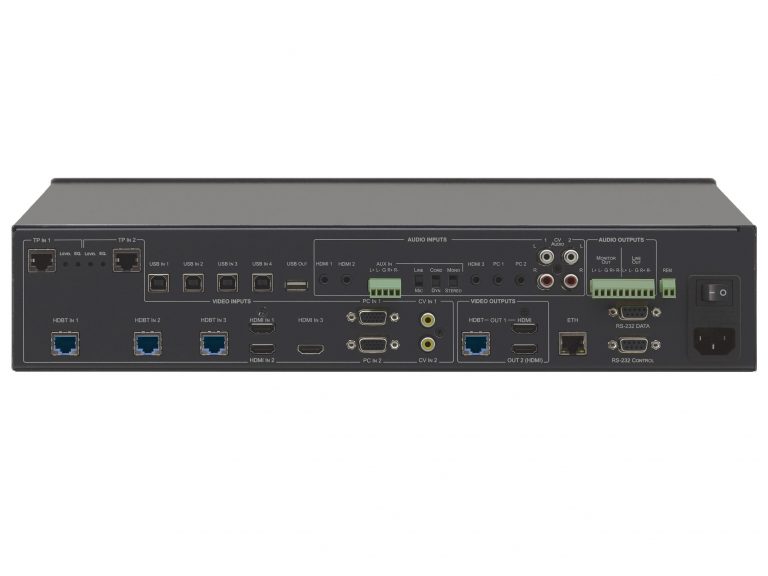
Mission-critical control rooms. This is where it stops being a quality-of-life feature and becomes a safety requirement. In a 911 dispatch center, a utility SCADA room, a transportation operations hub, or a military command facility, the operator cannot afford a half-second of black screen on the wall when a video feed is rerouted. The switching has to be instantaneous and frame-accurate. AV-over-IP platforms like SDVoE and NDI have made seamless switching at scale much more achievable in these environments, allowing dozens of sources to be routed to a video wall with no perceptible delay. For installations that need traditional matrix switching combined with multi-mode flexibility, products like the Kramer VSM-4X4X consolidate matrix, video wall, and multiviewer functionality into a single 4×4 chassis — a useful option in command environments where rack space is constrained but operators still need multiple display behaviors on demand.
How the Technology Pulls It Off
Seamless switching works because the switcher is doing more than just routing signals. It is actively processing every input — scaling each source to a common output resolution, buffering frames in memory, and locking the timing so that the next frame the display receives is already aligned to the new source.
Some seamless switchers use a “fast switch” approach that works only when sources share the same resolution and timing. True seamless devices include scalers on every input, which is what allows them to switch between any combination of resolutions without a hiccup. The trade-off is cost and complexity. A scaler-per-input architecture is more expensive than a basic matrix, but it is the difference between a switch that works in a demo and one that works on opening night.
How to Know If You Need It
The honest answer is that if you have to ask, you probably do. Any application where the audience or operator can see the screen during a source change is a candidate. The cost difference between a standard matrix switcher and a seamless one is real, but it is dramatically smaller than the cost of a single failed live event, a botched investor presentation, or a moment of dead screen time in a control room.
For integrators specifying systems, the rule of thumb is straightforward. If the application involves a live audience, a recorded broadcast, a video wall, or any environment where reliability is judged by what is visible on the screen, seamless switching is not an upgrade. It is a baseline.
The next time a project brief includes the words “live,” “broadcast,” “video wall,” or “operations center,” the question is no longer whether to specify seamless switching. The question is which architecture — matrix, presentation switcher, or AV-over-IP — best fits the workflow.